
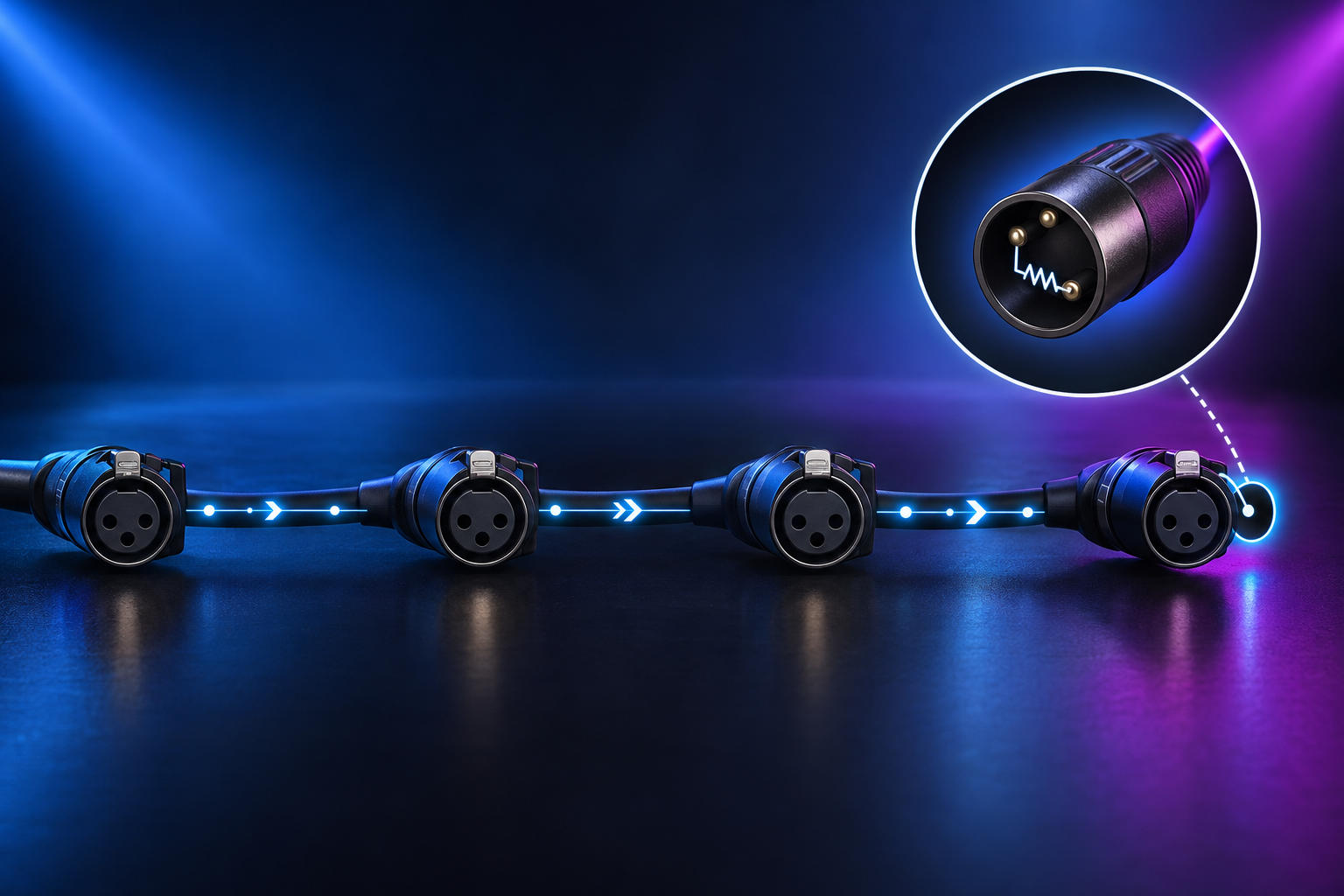
What a DMX terminator is
A DMX terminator is a small plug that goes into the last DMX output socket on a data line. Inside it is a 120 ohm resistor connected across the two data pins (pins 2 and 3). It has no power supply, no switches, and carries no signal of its own.
What it does
DMX512 sends data as a differential signal over a twisted pair of wires. When that signal reaches the end of the cable, some of its energy can bounce back along the cable instead of being absorbed. These reflections can mix with the data that follows and cause the receiving fixtures to misread it.
The terminator matches the end of the line to the cable's characteristic impedance, which for DMX cable is about 120 ohms. This lets the signal be absorbed at the end of the run instead of reflected.
Do you need one
Terminating is recommended on every DMX line, and the DMX512 standard calls for it. Whether you will see a problem without one depends on the installation:
Short runs with few fixtures often work without a terminator.
Long cable runs, many fixtures, or a run with several splices are more likely to show problems when unterminated.
Poor-quality or non-DMX cable makes reflections more likely.
Fitting a terminator takes very little effort and removes one possible cause of signal trouble. It is good practice to fit one even when the line appears to work, because a line that works today can become unreliable when cable, fixtures, or the layout change.
Signs of a missing terminator
Missing termination can produce:
Flickering or intermittent dimming
Fixtures twitching, jumping, or responding erratically
Colour or position changes that no one programmed
Faults that appear or disappear when cables are moved or fixtures are added
These symptoms can also have other causes, such as faulty cable, a failing fixture input, duplicated addresses, or a damaged connector. A terminator is worth checking early, but it will not fix every DMX fault.
How to fit a terminator
Identify the last fixture in the DMX chain, which is the one furthest from the controller along the cable. The end of the line is where reflections occur, so this is where the terminator belongs.
Find that fixture's DMX output (thru) socket. It should be unused, because nothing is plugged into it.
Plug the terminator into that socket.
Power up the system and check that the fixtures respond steadily.
If the last device in your chain has no DMX output socket, or the output is already in use, you can use a terminator on a short cable or adapter at the end of the line, or a built-in termination switch if the device has one.
Rules to follow
Terminate the end of the line only. Do not put terminators in the middle of a daisy chain. Fixtures further along the line still need to receive the signal, and a terminator mid-line would load it.
Use one terminator per line end. A second terminator at the same end lowers the load resistance and can weaken the signal.
Terminate each branch when using a splitter. Each output of a DMX splitter or opto-splitter starts a separate line, and the last fixture on each branch should be terminated. Whether the splitter's input needs separate termination depends on the splitter, so check its documentation.
Use DMX-rated cable. Standard microphone cable has a different impedance and is not suited to DMX, particularly over long runs. A terminator cannot compensate for unsuitable cable.
Making a terminator
A terminator can be made from an XLR plug of the same type as your DMX connectors (3-pin or 5-pin) with a 120 ohm resistor soldered between pin 2 and pin 3. Nothing is connected to pin 1. On a 5-pin connector, pins 4 and 5 are left unconnected.
A commercially made terminator is the more reliable choice if you are not confident soldering.
Built-in termination
Some fixtures and DMX accessories include a built-in termination switch or setting, which makes a separate plug unnecessary. If you use one, enable it only on the last device in the line, for the same reason a plug is fitted only at the line end.
[confirm: which of this manufacturer's fixtures or accessories have a built-in termination setting, and where to find it]