
Quick Fix
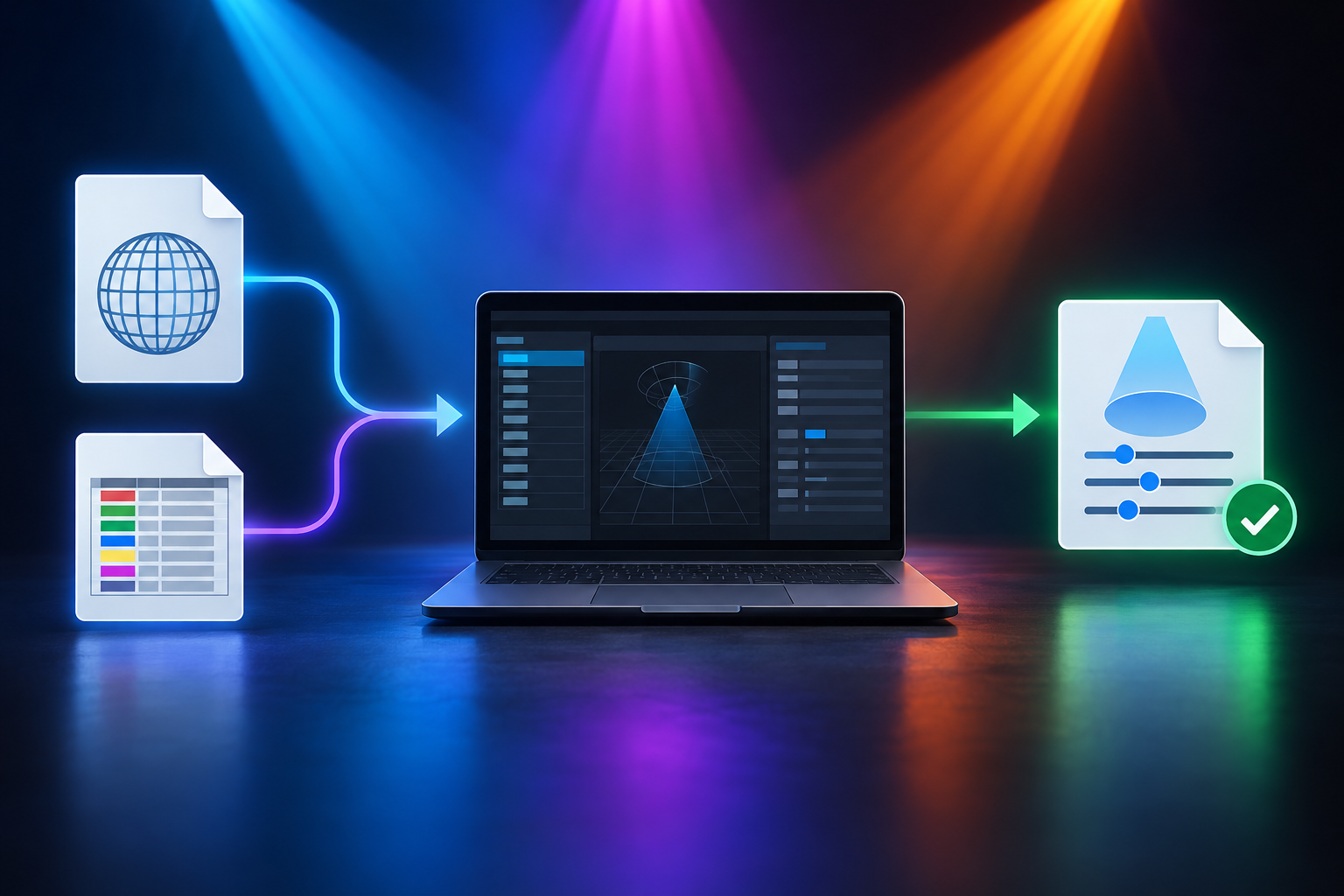
Download the General Device Type Format (.gdtf) file for your ADJ model from gdtf-share.com. If no file is available, build a custom profile using the DMX Channel Chart in the fixture manual.
A fixture profile tells the console which DMX channel controls which function. If the profile does not match the fixture, controls respond incorrectly or not at all.
Step-by-Step Diagnostic and Resolution Procedure
Option 1: Download a GDTF profile
A GDTF profile is the preferred route because the file already contains the channel layout, so nothing needs to be entered by hand.
Go to gdtf-share.com.
Search for the exact ADJ fixture model and firmware version. Channel layouts can differ between versions and DMX modes, so a close match may still patch incorrectly. [confirm: whether the profile must also match a specific DMX mode, and how the mode is selected on the fixture]
Download the .gdtf library file.
Import the file into your console. Supported consoles include grandMA3, Vectorworks, ChamSys, and Onyx. [confirm: import steps for each console, or a pointer to each console's documentation]
Option 2: Build a manual generic profile on the console
Use this option when no suitable GDTF file exists. You will define each channel yourself, so the result is only as accurate as the channel chart you work from.
Open your console's Fixture Builder/Editor.
Find the DMX Channel Map section at the back of your ADJ fixture manual.
Map each control attribute to its exact sequential channel offset. The offset is the channel's position counted from the fixture's start address.
Channel Offset
Attribute Type
Feature Type
Channel 1
Pan
Position (16-bit High)
Channel 2
Pan Fine
Position (16-bit Low)
Channel 3
Tilt
Position (16-bit High)
Channel 4
Tilt Fine
Position (16-bit Low)
Channel 5
Master Dimmer
Intensity
Channel 6
Strobe / Shutter
Shutter / Pulse
[confirm: which fixture ranges and DMX modes this channel layout applies to]
[confirm: channel offsets and attribute types for color and any other parameters beyond Channel 6]
Pan and tilt each use two channels. The High channel holds the coarse value and the Low (Fine) channel holds the finer adjustment. Together they give 16-bit resolution, which allows smoother, more precise movement than a single channel. Both channels must be mapped, in the order shown.
Test the custom profile
Patch the new fixture profile to test address 001.
Verify that pan, tilt, intensity, and color control parameters respond correctly without channel overlap or cross-talk. Overlap or cross-talk usually means two attributes are mapped to the same channel, or an offset is wrong. If a control moves the wrong function, recheck the offsets against the channel chart.
Technical Background and Prevention
GDTF (General Device Type Format) is an open-standard DIN spec that defines light fixture attributes, physical geometry, and optical properties in a unified file format.
Modern consoles use GDTF files to import complete fixture profiles without manual channel mapping. Using a GDTF file where one exists also avoids the transcription errors that can occur when channels are entered by hand.